
Using the TalkingTiles AAC device, you can adjust the grid size to fit your learner’s needs. You might want to go for bigger tiles at the start and adjust as they grow to add more words and vocabulary.
To change the grid size for your AAC board, follow these simple steps:
- From your home screen, tap the settings button in the top right corner
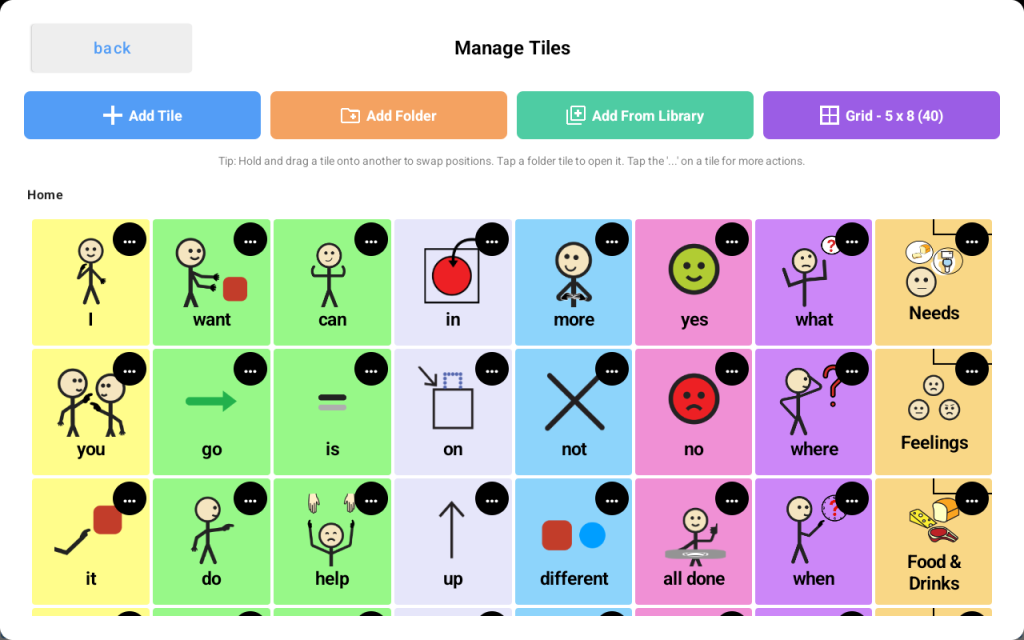
- From the “Tiles & Layout” section, tap “Edit Tiles” -> then tap the purple “Grid Size” button
- A grid size selector window will appear
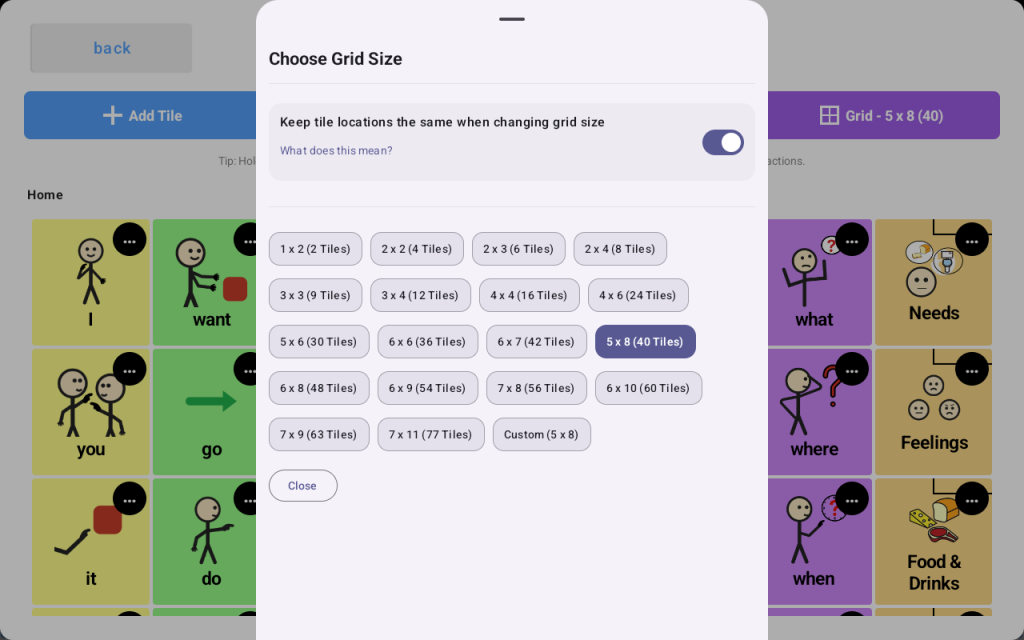
- From there, you may choose the grid size by tapping on any of the available sizes or choose the “Custom” button if you prefer to set your own grid size