
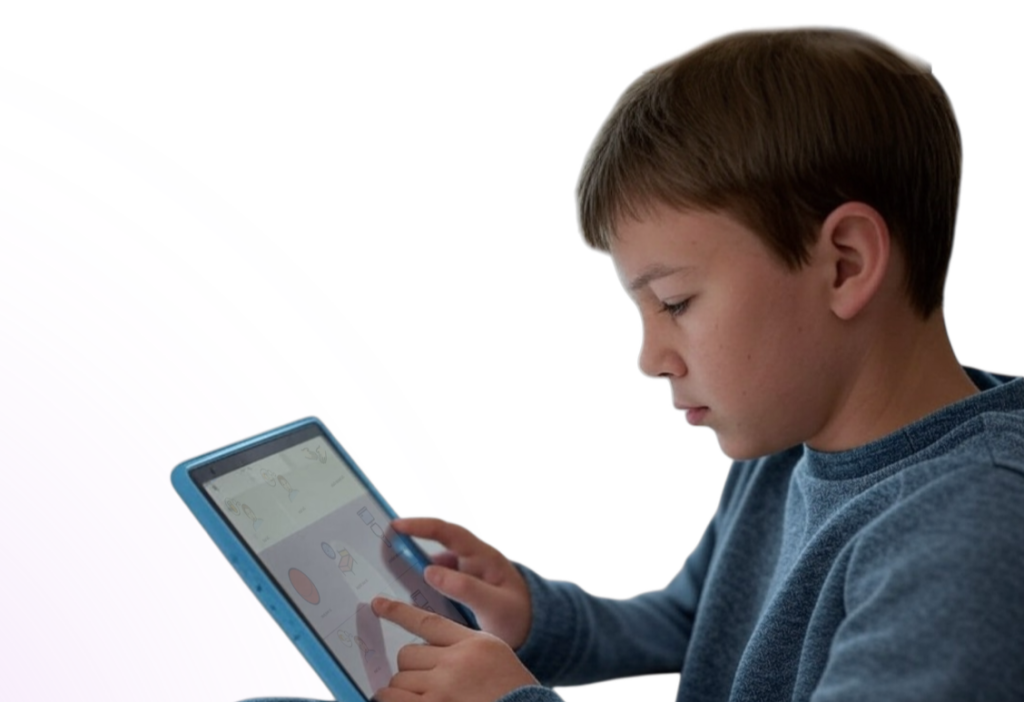
Every learner is different, so Talking Tiles can be personalized to match the user’s communication needs, daily routines, and preferences. A good setup starts with the words, layout, and features that are most helpful for that individual learner.
Start with everyday communication #
Begin with words the learner is most likely to need throughout the day, such as yes, no, help, stop, eat, drink, bathroom, go, want, and favorite people or activities. These words should be easy to find and easy to use.
Add personal and meaningful vocabulary #
The device should include words that matter to the learner’s real life. This may include family members, teachers, favorite foods, favorite toys, preferred activities, common places, and familiar routines. Personal vocabulary can make the device more useful and more motivating to use.
Choose a layout that fits the learner #
Some learners do best starting with a simpler layout, while others are ready for more vocabulary on the screen. Choose a setup that balances ease of use with access to meaningful words, and try to keep important buttons in consistent locations.
Support the learner’s access needs #
Accessibility and interaction settings can be adjusted to better fit the learner. Depending on the user, this may include reducing accidental repeated taps, adding more predictable feedback, or choosing how tiles and folders respond when pressed.
Think about where the device will be used #
Set up the device with the learner’s daily environments in mind. This may include home, school, therapy, and community settings. Adding vocabulary for common routines and familiar people can help the learner communicate more successfully across environments.
Keep support teams aligned #
When possible, parents, caregivers, teachers, and therapists should work together to keep vocabulary and organization as consistent as possible. A shared approach can help the learner build confidence and use the device more effectively.
Start simple and build over time #
You do not need to create a perfect setup right away. Start with the most useful words and features first, then adjust the device over time as the learner’s needs, interests, and skills grow.
Helpful tips #
- Start with high-use daily words
- Add personal vocabulary that matters to the learner
- Choose a layout the learner can navigate comfortably
- Adjust settings to support access needs
- Include vocabulary for home, school, and routines
- Update the device as the learner grows


