
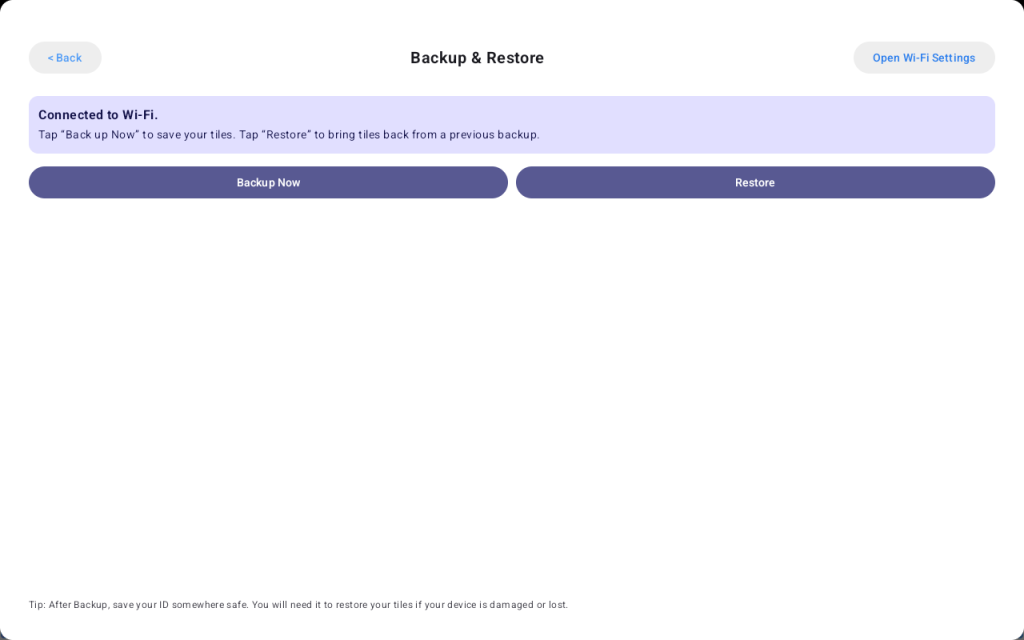
Talking Tiles includes a simple backup and restore feature to help protect your board setup. When you create a backup, the device gives you a backup code. You can save this code and use it later to restore your setup on the same device or a different Talking Tiles device.
How backup works #
When you tap Back Up Now, Talking Tiles saves your current board layout and tiles and generates a backup code. This code is important and should be kept somewhere safe, since it is required to restore your setup later.
How restore works #
When you tap Restore, you will be asked to enter your backup code. Once the code is entered, Talking Tiles will restore your saved board layout and tiles to the device.
What is included in a backup #
Backups currently include:
- board layout
- tiles
This makes it easier to move your communication setup to another device or recover it if your device is lost, damaged, or replaced.
Save your backup code #
After creating a backup, be sure to save your backup code in a safe place. You will need this code to restore your tiles in the future.
Helpful tips #
- Back up your device regularly after making important changes
- Save your backup code somewhere safe and easy to find
- Use restore when moving to another Talking Tiles device
- Create a new backup after updating your board or tiles
Your backup code lets you restore your board layout and tiles on any Talking Tiles device.


